3 Quick Tips for Using Microsoft Whiteboard – Part 1
Whilst everyone has different ways of using Microsoft Whiteboard, sometimes you might not think of ways to use the features included. Here are 3 quick

Whilst everyone has different ways of using Microsoft Whiteboard, sometimes you might not think of ways to use the features included. Here are 3 quick

As discussed in our last article, we have seen a huge development in video conferencing as society becomes more confident and comfortable with the concept.

After a record-breaking year in HDi sales, we reached out to our partners and end-users to see why they choose HDi as their classroom or
Top 3 tips for teachers! Microsoft Whiteboard is a powerful application that is designed to work perfectly with pen, touch, and keyboard. It gives your
3 Helpful Tips for Teachers Microsoft Whiteboard is a powerful application that is designed to work perfectly with pen, touch, and keyboard. It gives your ideas

A quick step guide to how to clean your screen and what to use. It’s easy – just follow these simple guidelines for safe and effective collaboration. You screen is
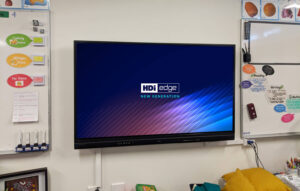
Hewett Primary School on impact of their new HDi Edge screens in the classroom – we speak to the teachers who use them Hewett Primary
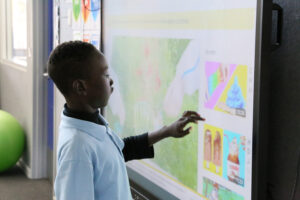
Karonga School in Epping, NSW, has an inspiring technology focus throughout its approach to teaching and learning. We encourage you to check out their ‘Technology
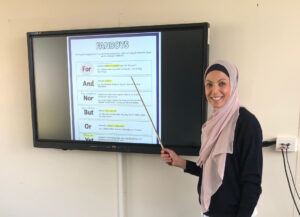
Chullora Public School in NSW have been replacing their existing classroom whiteboard and projector set ups with a new HDi interactive display for the past
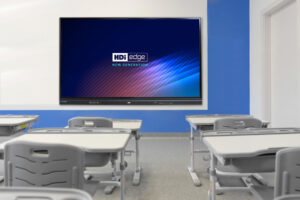
Through our partners Learning With Technologies, we have teamed up to bring 7 x 75” HDi EDGE screens to Corpus Christi Primary School. As a